

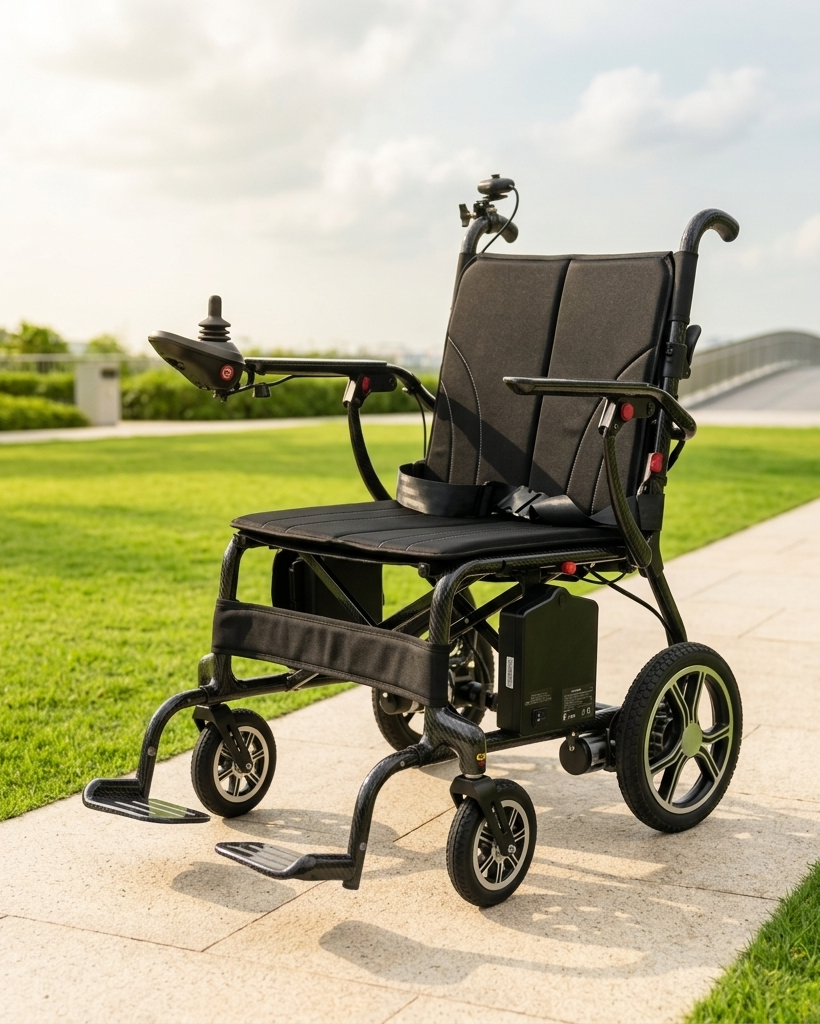
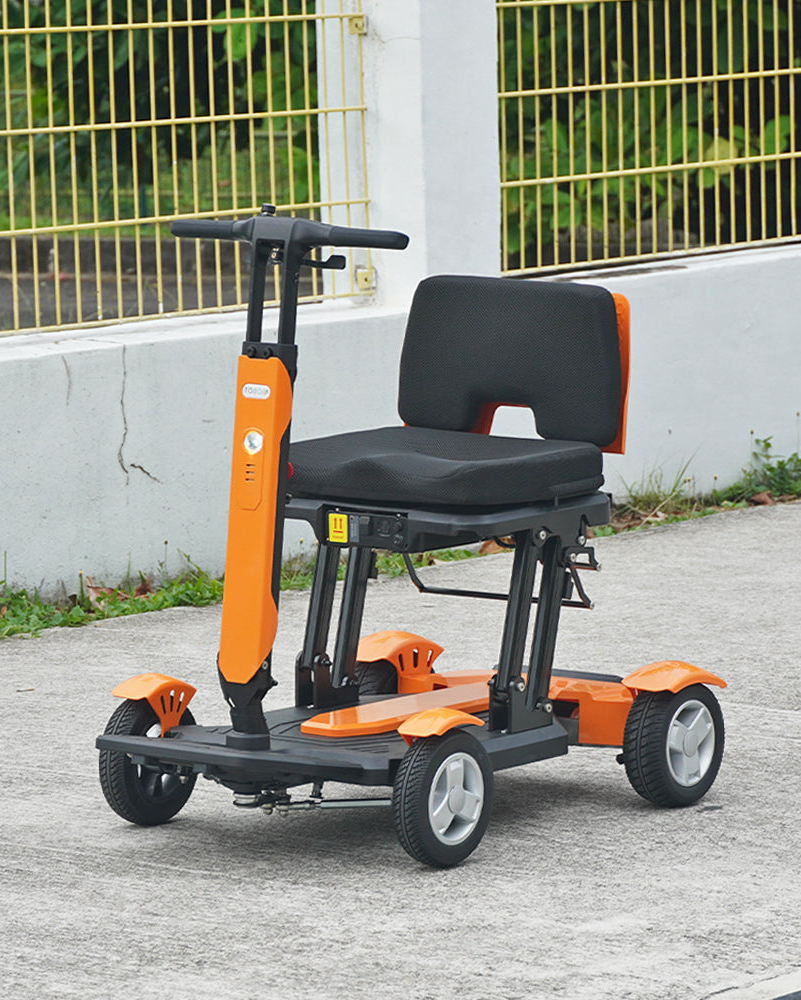
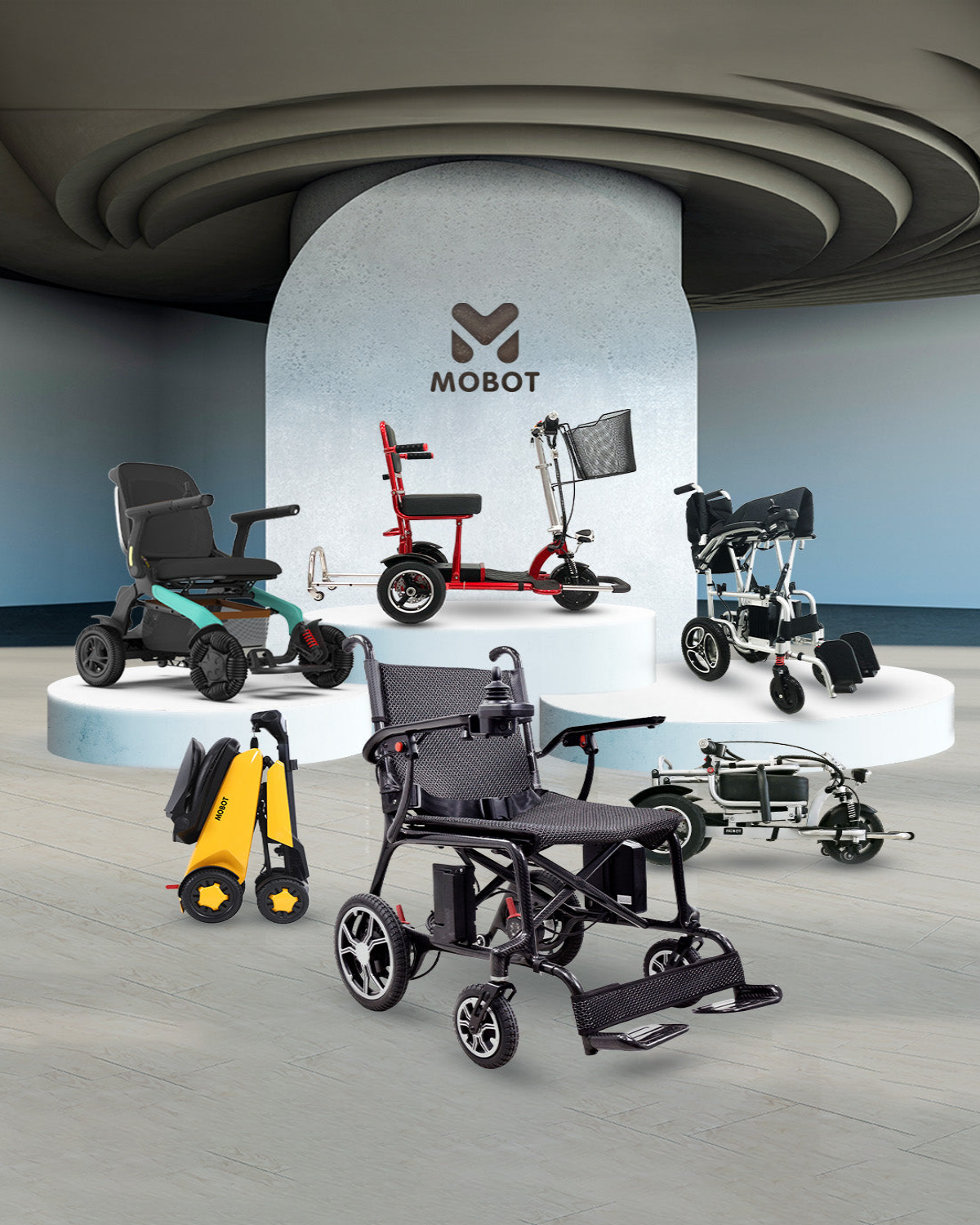

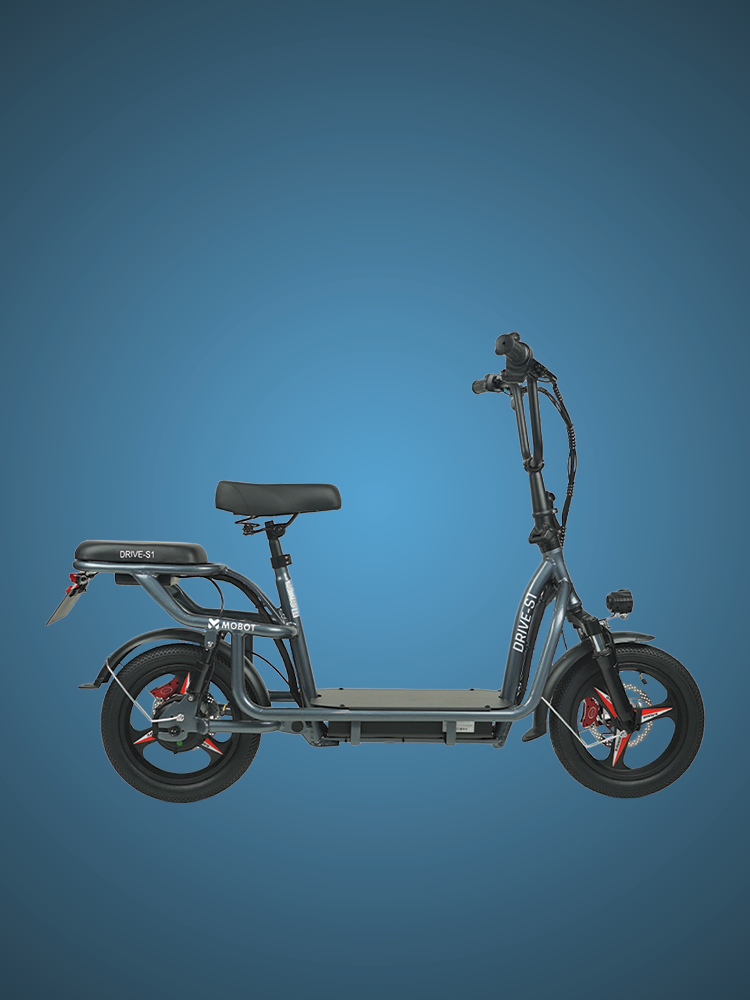

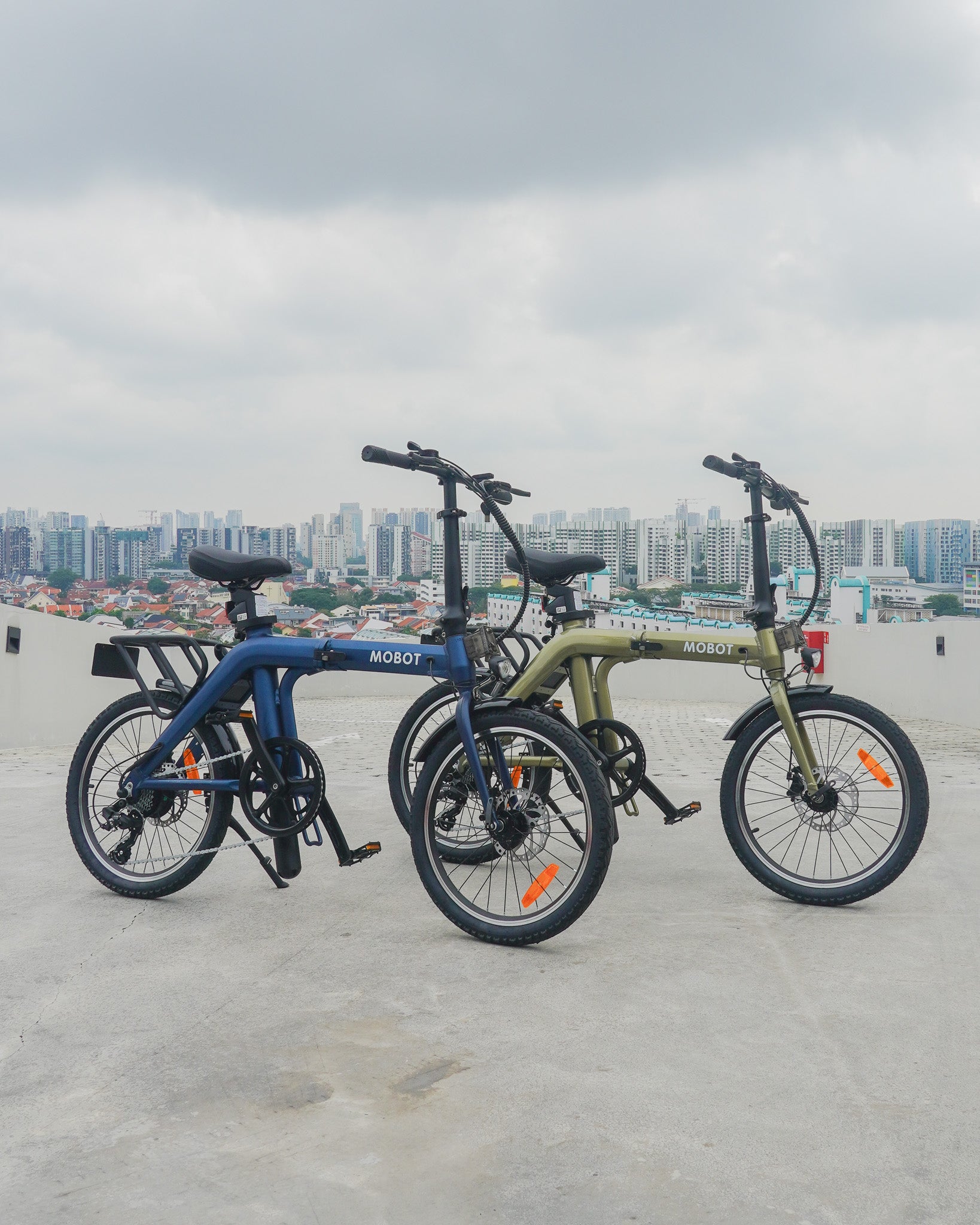
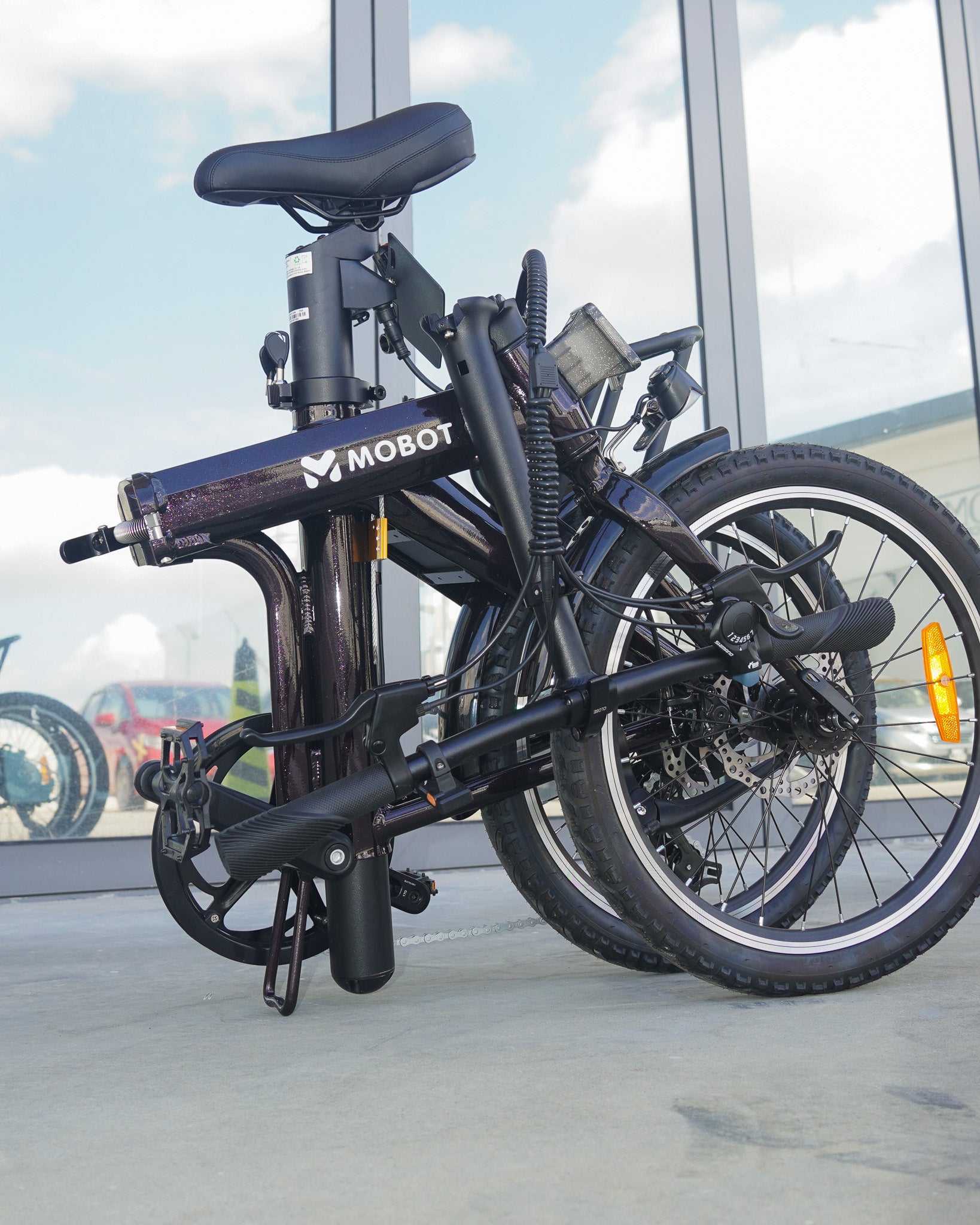


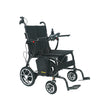
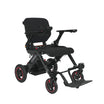
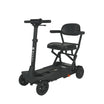
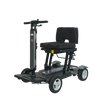
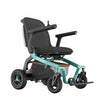








Whether you own a mobility scooter, electric wheelchair, e-bike or e-scooter, MOBOT provides servicing and repair support at our three main service centres in Singapore.
Our technicians will inspect your device, explain the required repairs and provide a quotation before any chargeable work begins.
Please contact our outlets before visiting. Home servicing is not available.
Warranty and Service Charges
| Device Category | Warranty Period | Service Charge |
| Mobility Scooters | 1 Year | No charge for warranty-covered servicing |
| Electric Wheelchairs | 1 Year | No charge for warranty-covered servicing |
| E-Bikes | 6 Months | No charge for warranty-covered servicing |
| E-Scooters | 6 Months | No charge for warranty-covered servicing |
| All Devices After Warranty | – | $35 service charge |
During the Warranty Period
There is no service charge for eligible repairs covered under the MOBOT warranty.
Please bring your invoice, receipt or delivery order so that our team can verify the purchase date and warranty coverage.
Warranty coverage applies to manufacturing defects under normal use. Wear-and-tear parts, accidental damage, misuse, unauthorised modifications and water damage may not be covered.
After the Warranty Period
A $35 service charge applies to devices that are no longer under warranty.
The $35 charge covers the technician’s inspection and servicing labour. Any replacement parts required will be charged separately.
Our team will provide a quotation before proceeding with any chargeable repair.
Important: The $35 service charge excludes replacement parts and transportation costs.
How MOBOT Servicing Works
1. Bring Your Device to a Service Centre
Visit any of our three main service centres at Ubi, Woodlands or Bukit Batok.
2. Join the Service Queue
Devices are inspected according to the service queue and technician availability. Waiting time may vary depending on the number of devices received and the complexity of each repair.
3. Technician Inspection
Our technician will inspect your device to identify the issue and determine whether any components or spare parts need to be replaced.
4. Receive a Quotation
If the repair is chargeable, our team will explain the work required and provide a quotation.
5. Approve the Repair
We will only proceed after you have reviewed and agreed to the quotation.
6. Servicing and Collection
Once approved, our technician will begin the repair. Our team will contact you when your device is ready for collection. No chargeable repair will begin without your approval.
What to Bring
Please prepare the following before visiting:
- Your MOBOT device
- Invoice, receipt or delivery order
- Device key, NFC card or remote control, if applicable
- Charger and battery if the issue is power- or charging-related
- A clear description of the issue
- Photos or videos showing intermittent faults, if available
Please remove personal belongings and non-essential accessories before handing over your device.
Spare Parts Enquiries
The availability and price of spare parts vary according to the device model and the component required. For an accurate enquiry, please contact your nearest service centre and provide:
- Device model
- Purchase date, if known
- Name or photo of the required component
- Photo or video showing the issue
- Device serial number, if requested
Some faults cannot be confirmed through photos or messages alone. A technician may need to inspect the device before recommending the correct spare part.
Please contact the service centre directly for exact spare-part availability and pricing.
Unable to Bring Your Device to Us?
MOBOT currently does not provide home servicing. However, you may contact your nearest service centre to request transportation through Lalamove.
Pickup Process
- Contact the MOBOT service centre closest to you.
- Provide your device model, location and a brief description of the issue.
- Request a Lalamove pickup for your device.
- Confirm the transport arrangement and delivery charges.
- Prepare and secure the device before collection.
The customer is responsible for all Lalamove pickup and return delivery charges.
Lalamove is used only to transport the device to or from the service centre. The device will still be inspected and repaired at the MOBOT service centre.
MOBOT’s warranty does not cover transportation costs.
*For any comprehensive servicing or repairs please visit Mobot (East, HQ) Outlet.
*For any other servicing/repairs that is not stated here feel free to contact us.